






 Tiếng Việt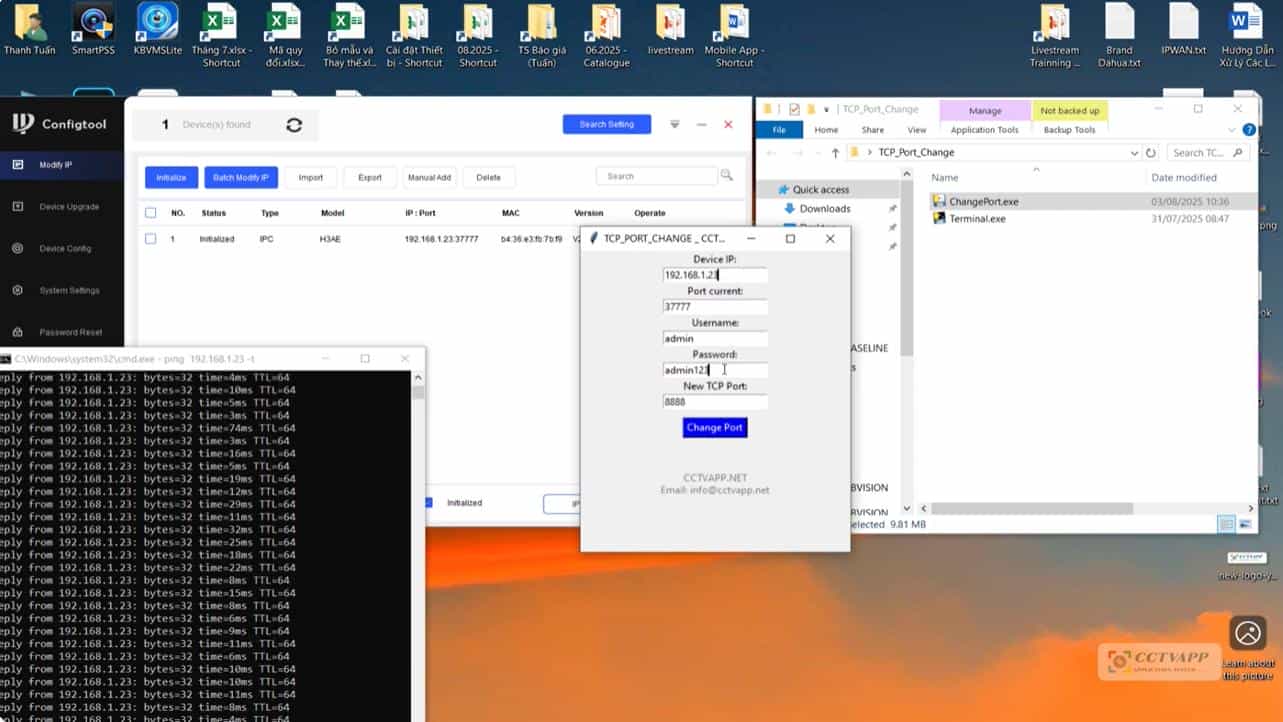
In today’s article, I will guide you how to change the TCP Port on WiFi Camera: Imou, Dahua, Kbvision, Kabevision. On new Camera models today, the HTTP Port is shown as 0. Therefore, you cannot replace the TCP Port.
1. Download Tool
You can download the TCP Port Change Tool here: https://uploady.io/e1uz1v2mhb0z/TCP_Port_Change.zip
2. Instructions for use
Manipulate step by step as instructed in the following video:
Thank you for following the article!!!

