










 Tiếng Việt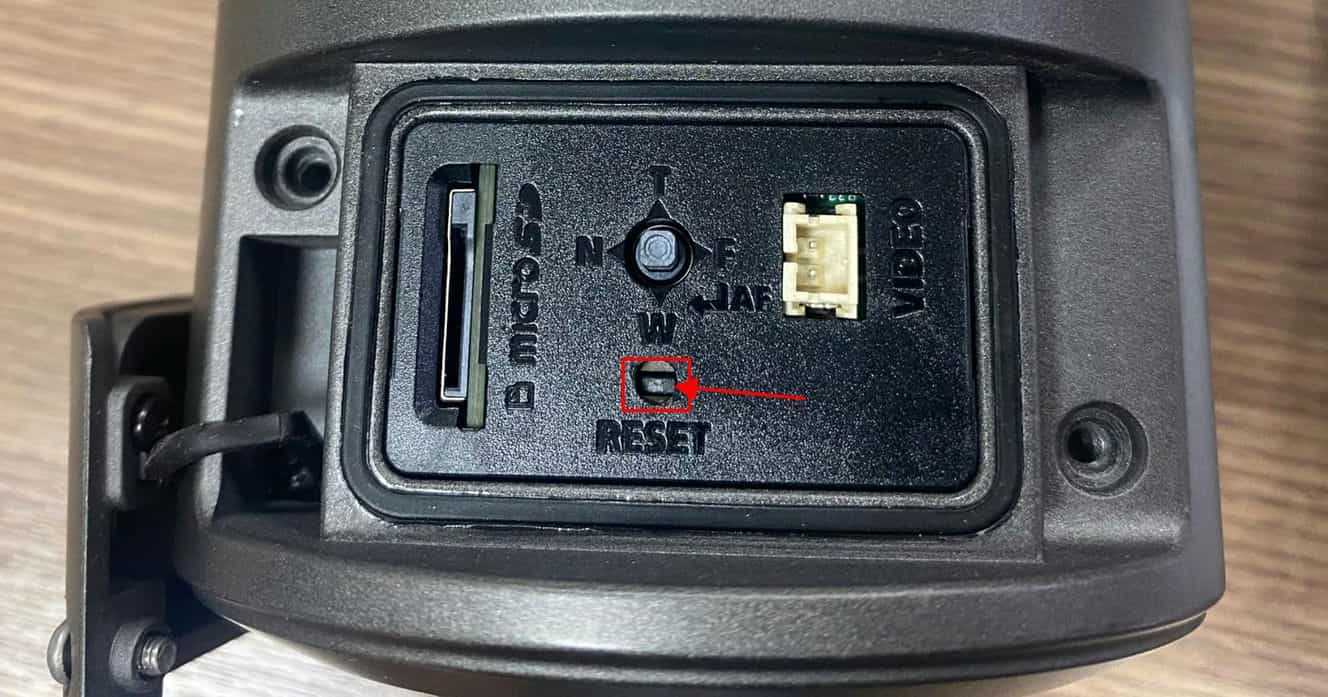
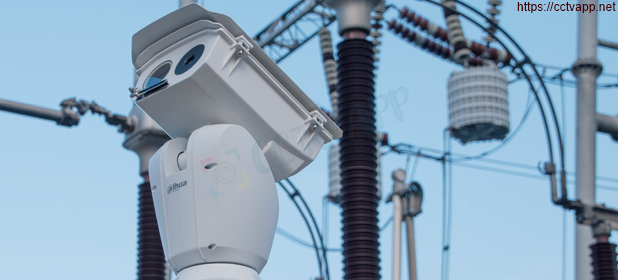
During the process of installing the Camera, you must have encountered the problem of forgetting the password many times, so in this article I will guide you how to hard reset on Wisenet Camera.
Model guide: QNO-8080R
How to do it
- Step 1: Plug in the power to the Camera, then wait for the device to complete booting (about 1 minute)
- Step 2: Press and hold the reset button for 30 seconds, then release the reset button (still holding the power button)
- Step 3: Wait about 1 minute, open the Wisenet IP Installer Tool application on your PC to find the IP address and set a new password for the device
Good luck!

