








 Tiếng Việt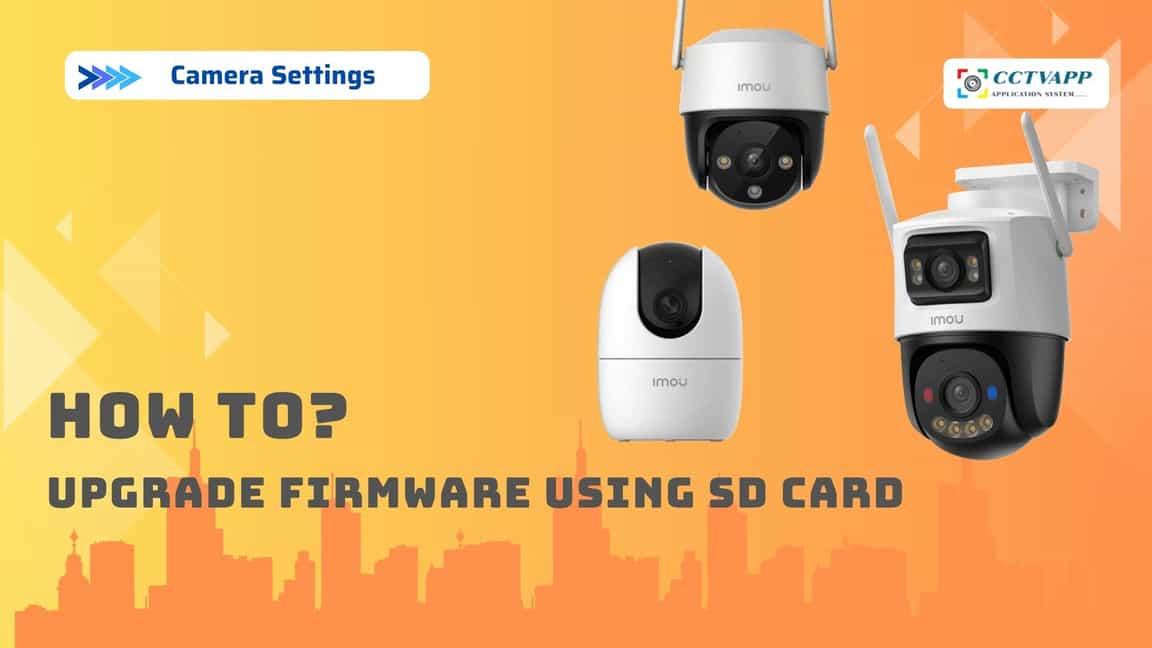
In some cases, when using the IMOU camera, you will encounter a red light error and the camera will not start. The cause may be:
- The memory card is damaged, you can remove the memory card on the camera and check again
- The power supply is not enough, in case the power supply to the camera is not enough, the device will not start. You can replace the power supply and try again.
- The camera is having a program error. Some reasons that can cause program errors are: Upgrading via Cloud but power failure, upgrading the wrong program, … In this case, if you are lucky, you can upgrade the Firmware again using a memory card as instructed below.
Instructions
Download Firmware: https://cctvapp.net/knowledge-base/im-sd-card-firmware-upgrade/
Implementation instructions:
Thank you for following the article!!!

