









 Tiếng Việt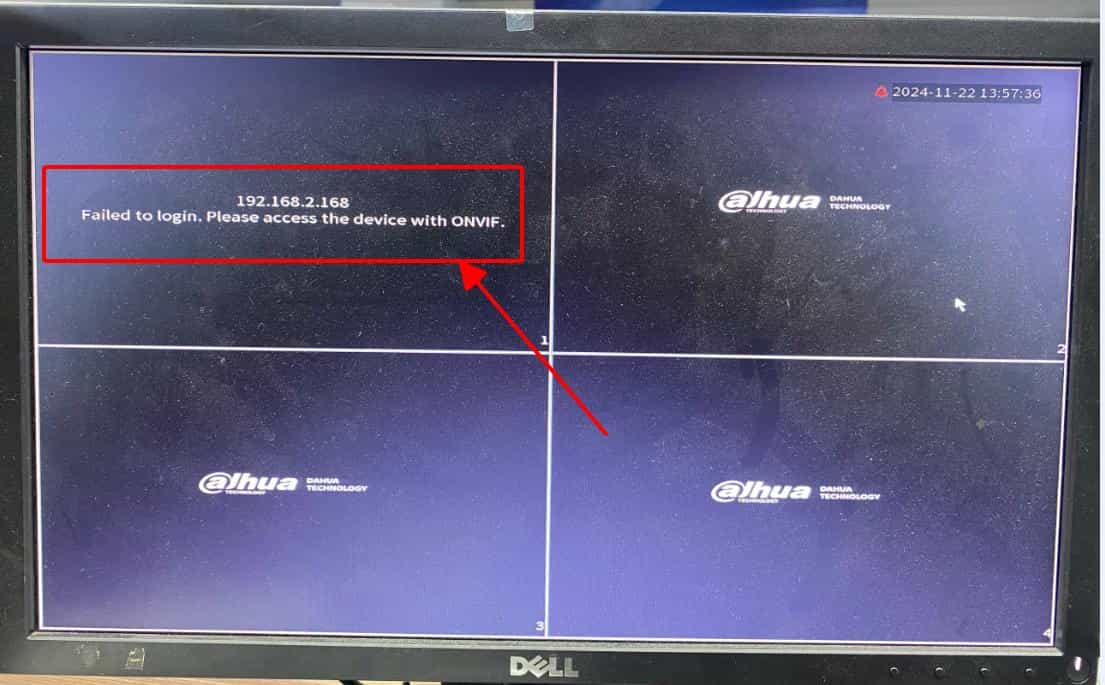
Currently, when adding Imou Camera to Dahua recorder, you must have encountered the error “Failed to login. Please access the device with ONVIF”. The reason for this error is that Dahua devices have stopped supporting Imou Camera on Private protocol.
To fix this problem, you need to connect the Camera via ONVIF standard:
- Does not support 2-way conversation
- Watch live, review
- Listen to sound from Camera
- H.264 compression standard
- Rotation control (PTZ)
Instructions
Thank you for following the article!!!

